
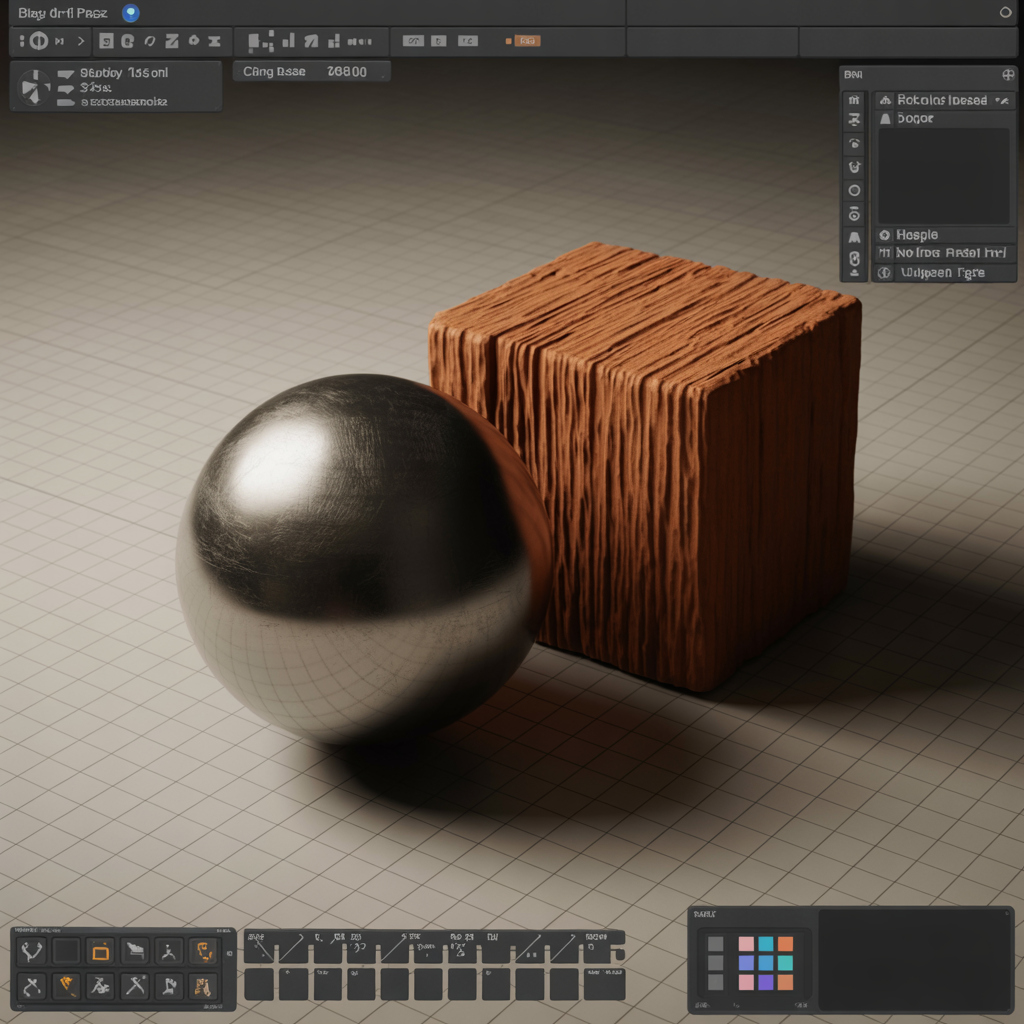
Blender users can transform their 3D models with PBR textures from TextureDepot.com. Follow these steps to get started:
-
Download Free Textures - Grab a PBR set (e.g., wood or metal) from our site.
-
Import Maps - Load albedo, normal, and roughness files into Blender’s shader editor.
-
Apply to Model - Assign maps to a Principled BSDF shader for realistic rendering.
-
Preview First - Use our Three.js 3D viewer to test textures before importing.
Optimize by reducing texture resolution for complex scenes. Join our Patreon for premium Blender-ready packs and unlock advanced tutorials!