5 Essential Tips for Beginner 3D Artists

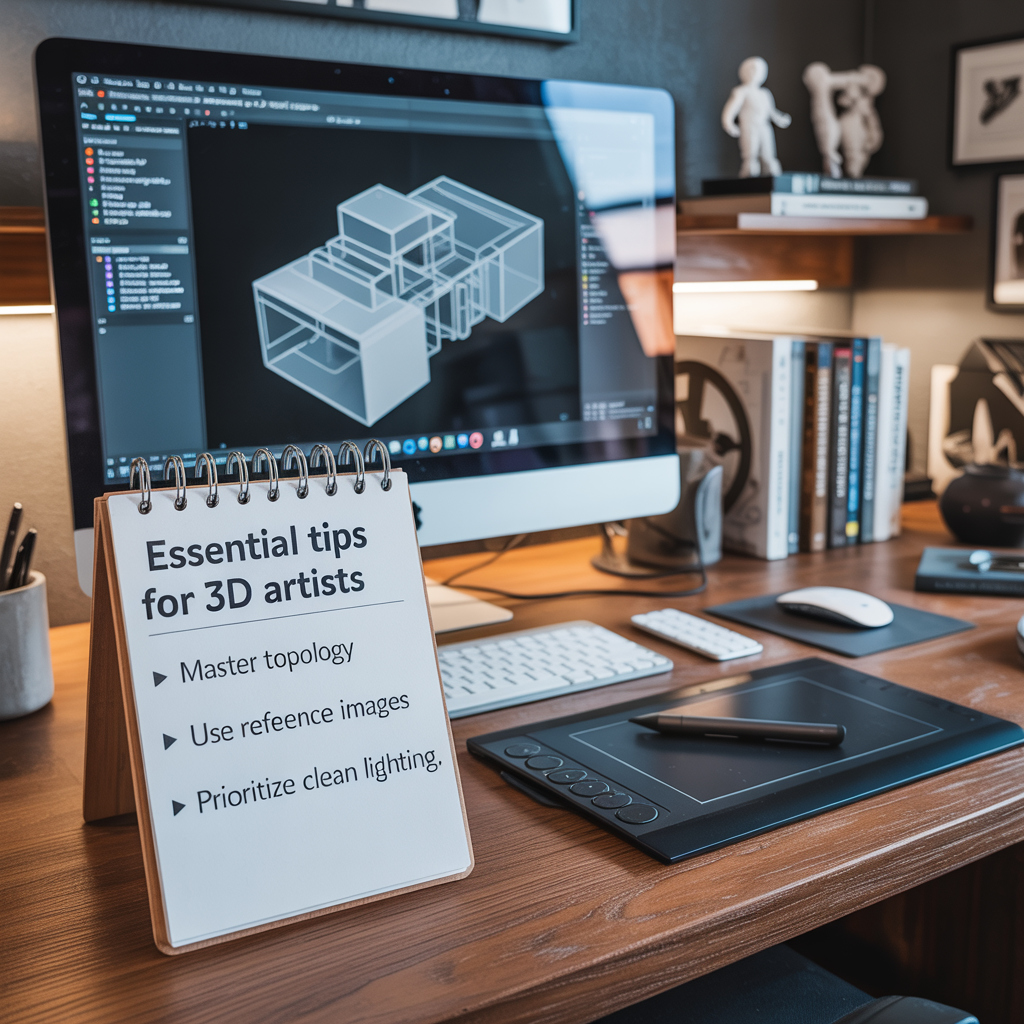
Tips for 3D artists

Starting your 3D art journey? Here are five tips to succeed:

  1. Start Simple - Begin with basic shapes to build confidence.

  2. Master Lighting - Experiment with light sources for depth.

  3. Use Quality Textures - Enhance models with TextureDepot.com’s free PBR downloads.

  4. Practice Regularly - Try new styles with our interactive previews.

  5. Learn from Others - Join our community for inspiration.

Visit our tutorial section to kickstart your skills with top-notch resources!

Top Trends in Game Development for 2025

Game Development Trends

As we dive into 2025, game development is evolving fast! Key trends include real-time ray tracing for stunning visuals, procedural generation for unique worlds, and a growing need for high-quality 3D assets. TextureDepot.com is here to help, offering a vast selection of PBR textures and 3D models to bring your projects to life.

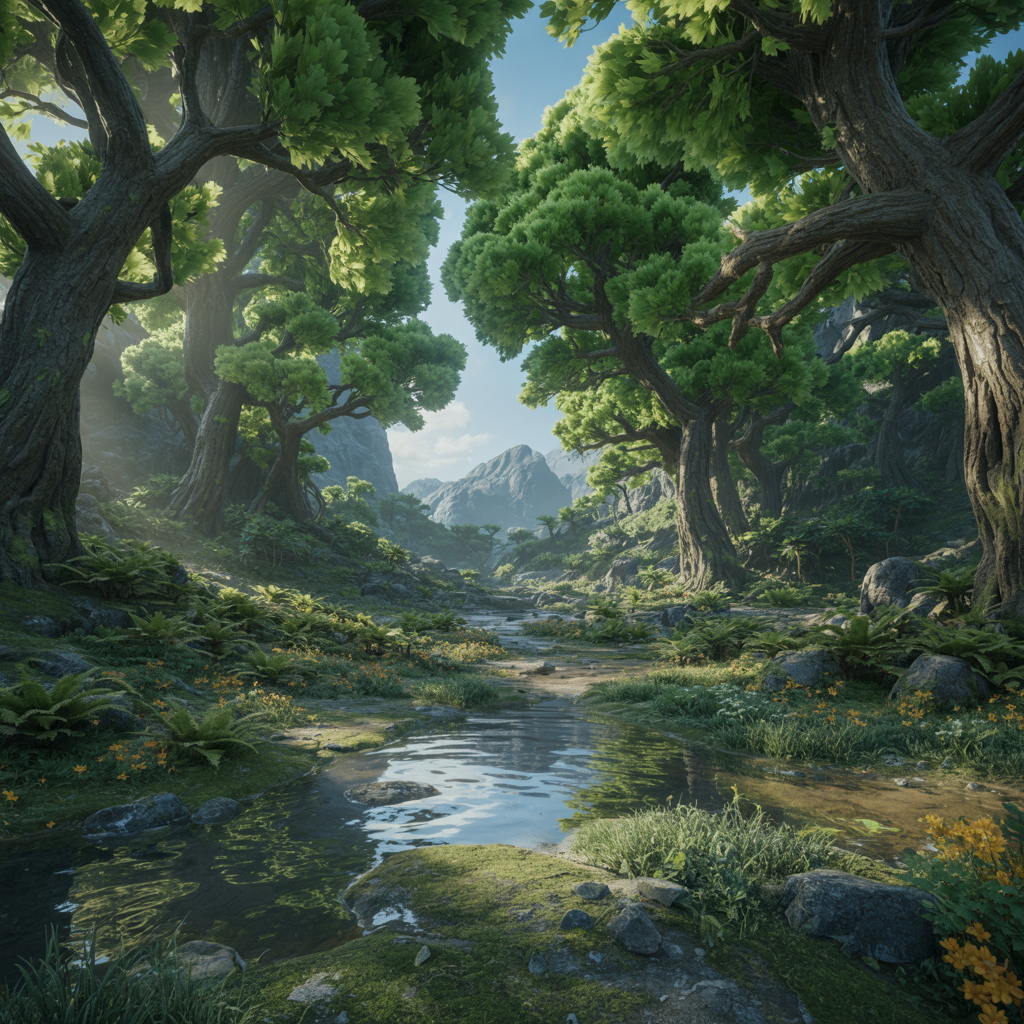
Stay ahead with realistic materials that enhance every scene, from futuristic cities to lush forests. Explore our library today and discover resources tailored for the latest game design innovations!

How to Use PBR Textures in Blender: A Beginner’s Guide

Using PBR Textures in Blender

Blender users can transform their 3D models with PBR textures from TextureDepot.com. Follow these steps to get started:

  1. Download Free Textures - Grab a PBR set (e.g., wood or metal) from our site.

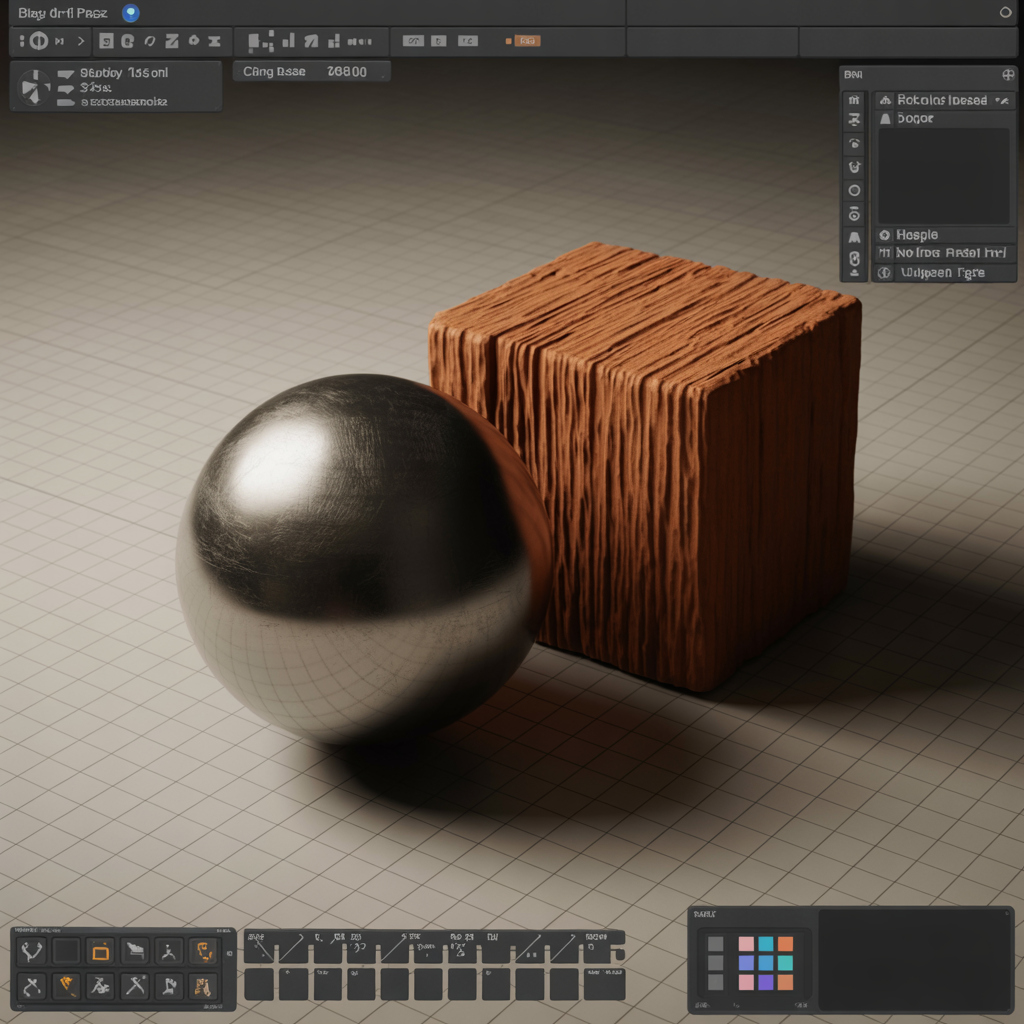
  2. Import Maps - Load albedo, normal, and roughness files into Blender’s shader editor.

  3. Apply to Model - Assign maps to a Principled BSDF shader for realistic rendering.

  4. Preview First - Use our Three.js 3D viewer to test textures before importing.

Optimize by reducing texture resolution for complex scenes. Join our Patreon for premium Blender-ready packs and unlock advanced tutorials!

Top 5 3D Models to Boost Your Next Project

3D Models to boost your next project

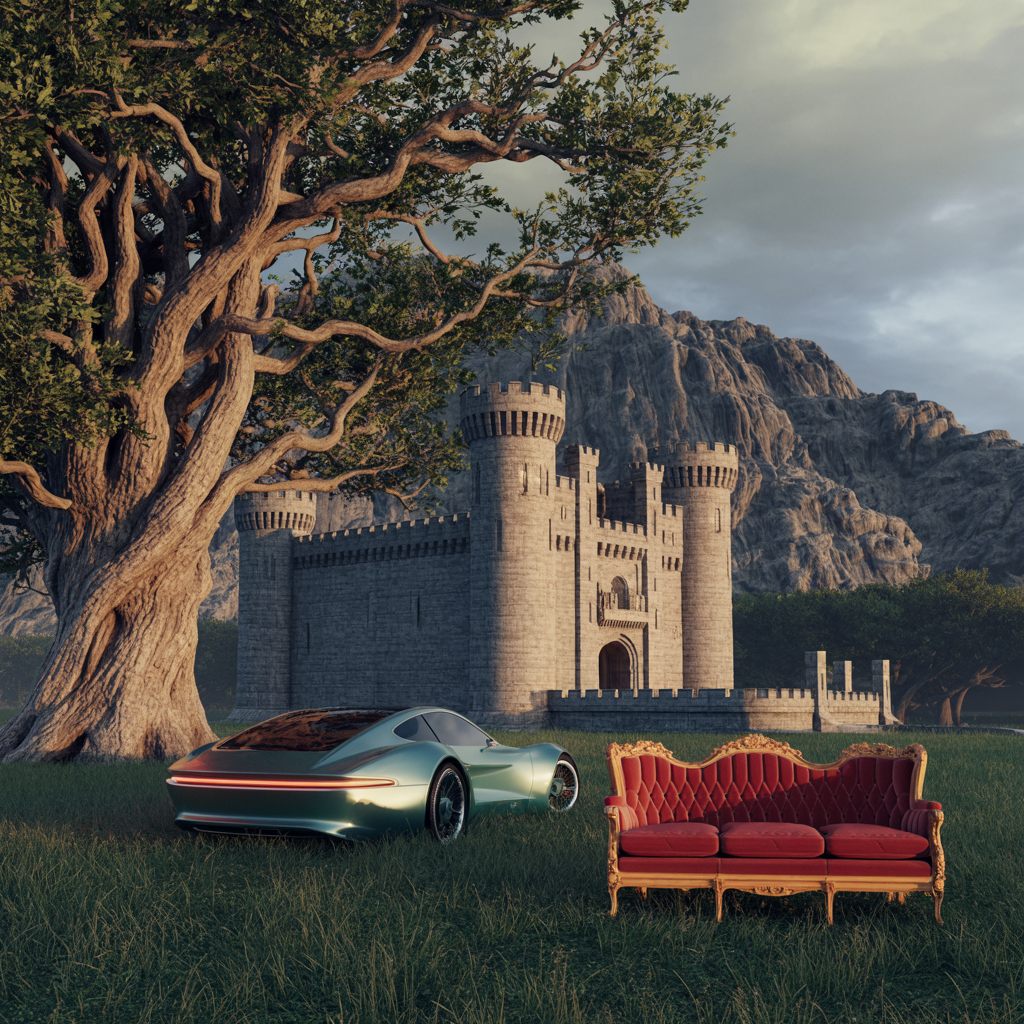
Ready to enhance your 3D projects? TextureDepot.com offers a growing collection of 3D models paired with PBR texture sets. Here are five must-have models:

  1. Medieval Castle - Perfect for RPGs, with brick and stone PBR textures.

  2. Oak Tree - Ideal for nature scenes, featuring bark and leaf maps.

  3. Futuristic Car - Great for sci-fi, with metallic and glass textures.

  4. Victorian Sofa - Adds elegance to interiors, with fabric PBR sets.

  5. Rugged Cliff - Enhances terrains, with rock and moss textures.

Each model leverages our Joomla component’s 3D previews for real-time inspection. Explore these categories and sign up for early access to new releases!

Mastering Realistic Game Environments with PBR Textures

Immersive Game Environments

Creating immersive game worlds starts with high-quality PBR textures. At TextureDepot.com, we specialize in delivering seamless PBR texture packs for game development, offering both free downloads and premium 8K options. Physically Based Rendering (PBR) uses maps like albedo, normal, and roughness to mimic real-world materials, making your Unity or Unreal Engine projects stand out.

Our custom Joomla component powers interactive 3D texture previews using Three.js, letting you rotate and inspect textures in real-time. Try it on our demo page! Whether you're building forests with tree bark textures or urban scenes with concrete PBR sets, our library has you covered. Download free samples today and elevate your game design!